


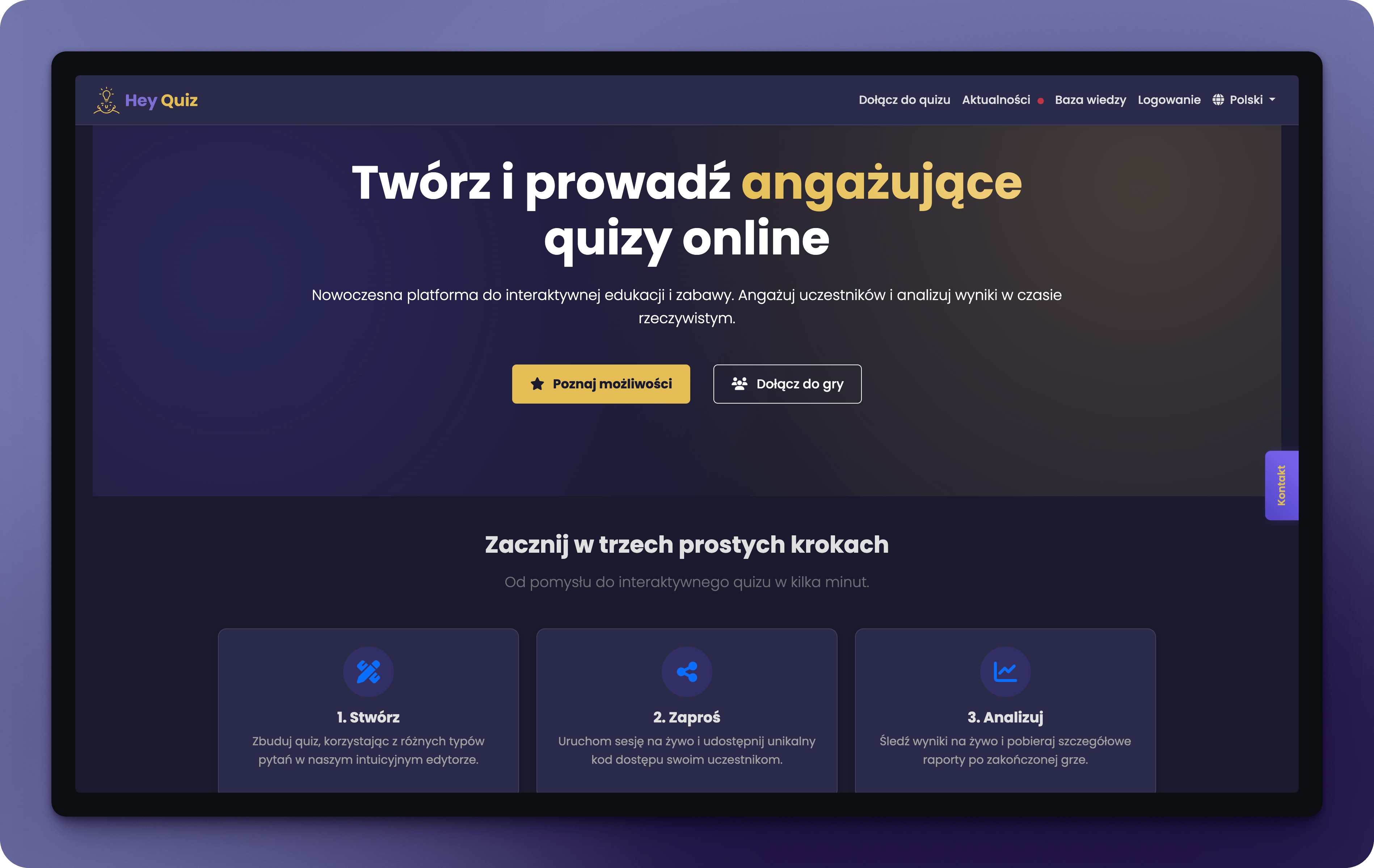
What is Hey Quiz?
Hey Quiz is an interactive quiz platform for running live sessions with multiple participants. Perfect for teachers, trainers, workshop facilitators, and anyone who wants to engage their audience.Create quizzes
9 question types, Excel/JSON import, AI generation
Host live sessions
Real-time sync, QR codes, Remote Pilot
Analyze results
Export to PDF, Excel, JSON, AI analysis
Game modes
Standard, Accuracy, Streak, Survival, Team
Who is this documentation for?
For quiz creators
Teachers, trainers, facilitators - learn how to create and host engaging quizzes.
For participants
Join a quiz, play the game, and check your results.
Quick start
1
Create an account
Sign up at heyquiz.pro and activate your account via email.
2
Create your first quiz
Go to “My quizzes” and click “Create Quiz” or “Generate with AI”.
3
Add questions
Choose question type, enter content and answers. Adjust time and points.
4
Start a session
Click “Start” and share the PIN code or QR with participants.
5
Analyze results
After the quiz, review results and export reports.
Key features
9 question types
9 question types
- Single choice - classic question with one correct answer
- Multiple choice - several correct answers
- True/False - quick binary questions
- Ordering - arrange elements in correct order
- Raise hand - verbal answer evaluated by host
- Poll - collect opinions without scoring
- Fill in the blank - Wordle-style letter input
- Match - fill gaps from dropdown lists
- Open-ended - free text response
4 scoring modes + Survival
4 scoring modes + Survival
- Standard - points for correct answers, no penalties
- Accuracy - penalty points for mistakes
- Streak - bonuses for consecutive correct answers
- Survival - elimination after running out of lives (1-10)
Team mode
Team mode
Team competition (2-8 teams) with bonus system:
- Perfect round (+50 pts)
- Speed bonus (+25 pts)
- Comeback bonus (+30 pts)
- Streak multiplier (×1.2)
AI generation
AI generation
Create quizzes automatically from:
- Text topic
- PDF, DOC, DOCX, PPT, PPTX documents
- Your own API key or global pool
Need help?
Contact
Email us at support@heyquiz.pro
Open Hey Quiz
Go to the app