> ## Documentation Index
> Fetch the complete documentation index at: https://docs.heyquiz.pro/llms.txt
> Use this file to discover all available pages before exploring further.
# Welcome to Hey Quiz
> Comprehensive documentation for Hey Quiz platform - interactive live quizzes

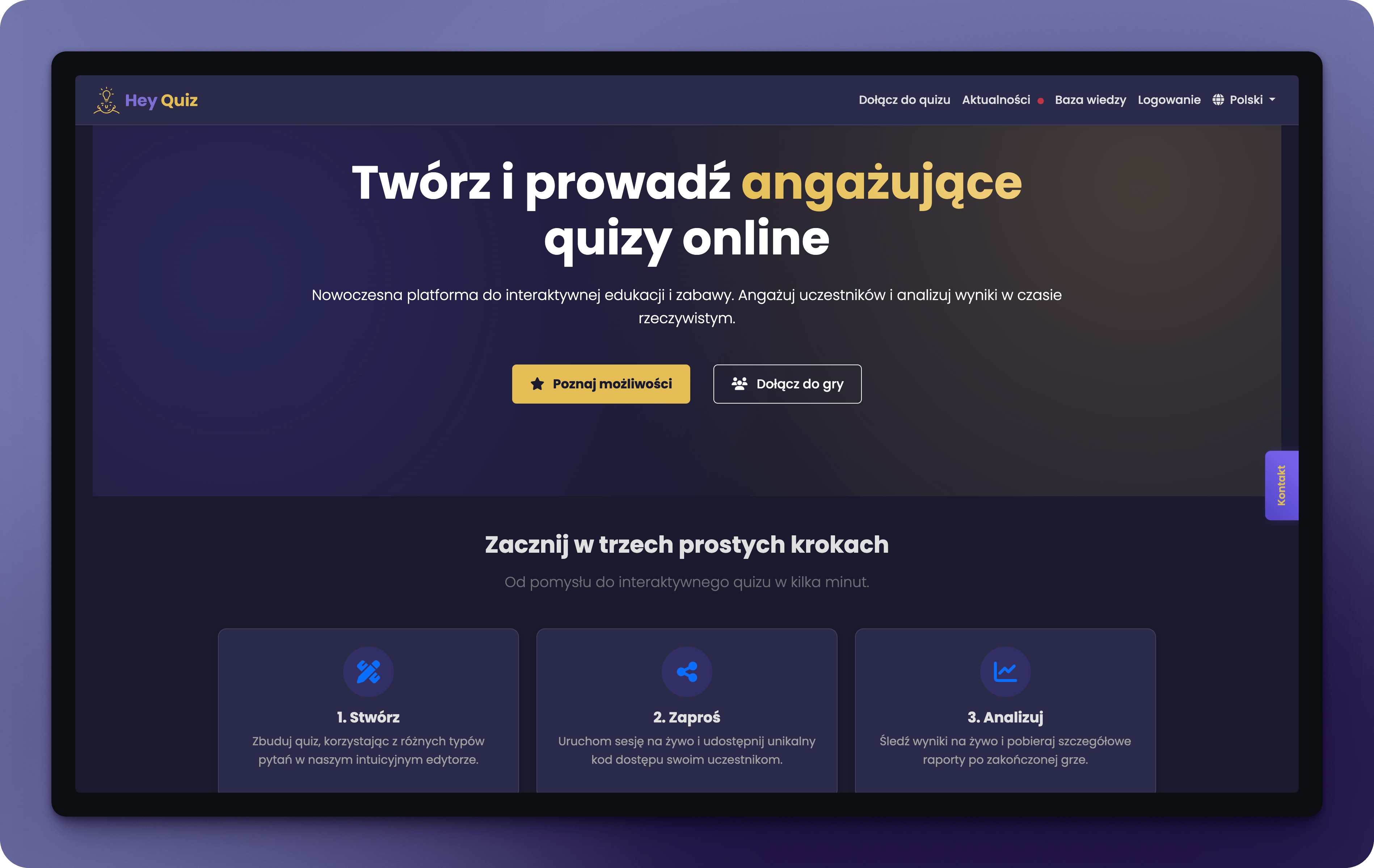 ## What is Hey Quiz?
**Hey Quiz** is an interactive quiz platform for running live sessions with multiple participants. Perfect for teachers, trainers, workshop facilitators, and anyone who wants to engage their audience.
9 question types, Excel/JSON import, AI generation
Real-time sync, QR codes, Remote Pilot
Export to PDF, Excel, JSON, AI analysis
Standard, Accuracy, Streak, Survival, Team
## Who is this documentation for?
Teachers, trainers, facilitators - learn how to create and host engaging quizzes.
Join a quiz, play the game, and check your results.
## Quick start
Sign up at [heyquiz.pro](https://heyquiz.pro) and activate your account via email.
Go to "My quizzes" and click "Create Quiz" or "Generate with AI".
Choose question type, enter content and answers. Adjust time and points.
Click "Start" and share the PIN code or QR with participants.
After the quiz, review results and export reports.
## Key features
* **Single choice** - classic question with one correct answer
* **Multiple choice** - several correct answers
* **True/False** - quick binary questions
* **Ordering** - arrange elements in correct order
* **Raise hand** - verbal answer evaluated by host
* **Poll** - collect opinions without scoring
* **Fill in the blank** - Wordle-style letter input
* **Match** - fill gaps from dropdown lists
* **Open-ended** - free text response
* **Standard** - points for correct answers, no penalties
* **Accuracy** - penalty points for mistakes
* **Streak** - bonuses for consecutive correct answers
* **Survival** - elimination after running out of lives (1-10)
Team competition (2-8 teams) with bonus system:
* Perfect round (+50 pts)
* Speed bonus (+25 pts)
* Comeback bonus (+30 pts)
* Streak multiplier (×1.2)
Create quizzes automatically from:
* Text topic
* PDF, DOC, DOCX, PPT, PPTX documents
* Your own API key or global pool
## Need help?
Email us at [support@heyquiz.pro](mailto:support@heyquiz.pro)
Go to the app
## What is Hey Quiz?
**Hey Quiz** is an interactive quiz platform for running live sessions with multiple participants. Perfect for teachers, trainers, workshop facilitators, and anyone who wants to engage their audience.
9 question types, Excel/JSON import, AI generation
Real-time sync, QR codes, Remote Pilot
Export to PDF, Excel, JSON, AI analysis
Standard, Accuracy, Streak, Survival, Team
## Who is this documentation for?
Teachers, trainers, facilitators - learn how to create and host engaging quizzes.
Join a quiz, play the game, and check your results.
## Quick start
Sign up at [heyquiz.pro](https://heyquiz.pro) and activate your account via email.
Go to "My quizzes" and click "Create Quiz" or "Generate with AI".
Choose question type, enter content and answers. Adjust time and points.
Click "Start" and share the PIN code or QR with participants.
After the quiz, review results and export reports.
## Key features
* **Single choice** - classic question with one correct answer
* **Multiple choice** - several correct answers
* **True/False** - quick binary questions
* **Ordering** - arrange elements in correct order
* **Raise hand** - verbal answer evaluated by host
* **Poll** - collect opinions without scoring
* **Fill in the blank** - Wordle-style letter input
* **Match** - fill gaps from dropdown lists
* **Open-ended** - free text response
* **Standard** - points for correct answers, no penalties
* **Accuracy** - penalty points for mistakes
* **Streak** - bonuses for consecutive correct answers
* **Survival** - elimination after running out of lives (1-10)
Team competition (2-8 teams) with bonus system:
* Perfect round (+50 pts)
* Speed bonus (+25 pts)
* Comeback bonus (+30 pts)
* Streak multiplier (×1.2)
Create quizzes automatically from:
* Text topic
* PDF, DOC, DOCX, PPT, PPTX documents
* Your own API key or global pool
## Need help?
Email us at [support@heyquiz.pro](mailto:support@heyquiz.pro)
Go to the app